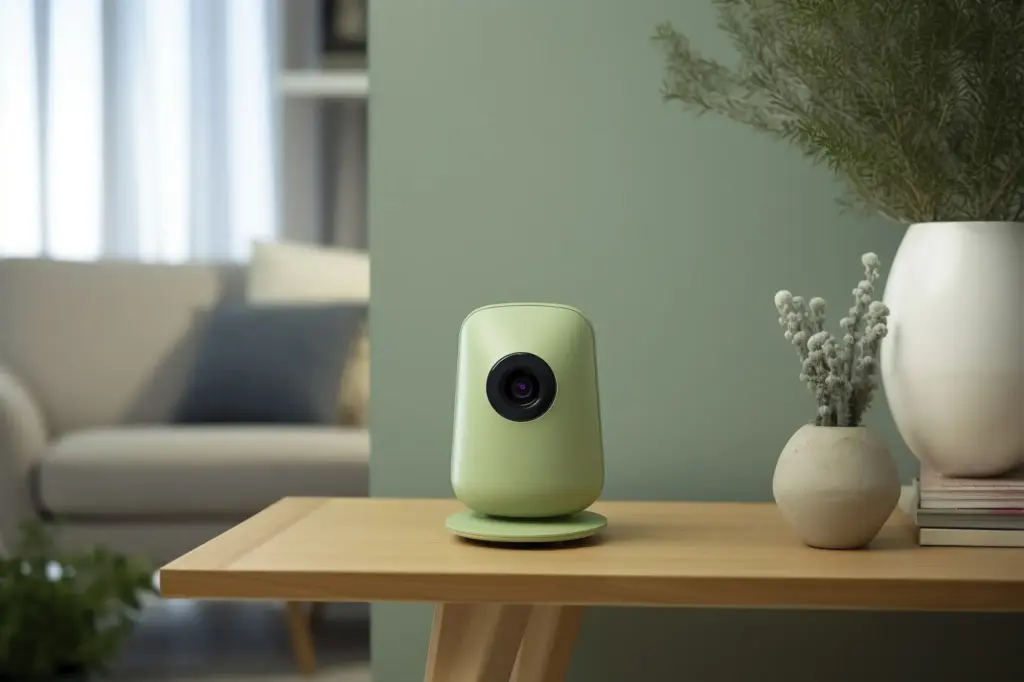
Start Talking to Your Home Without a Single Wire
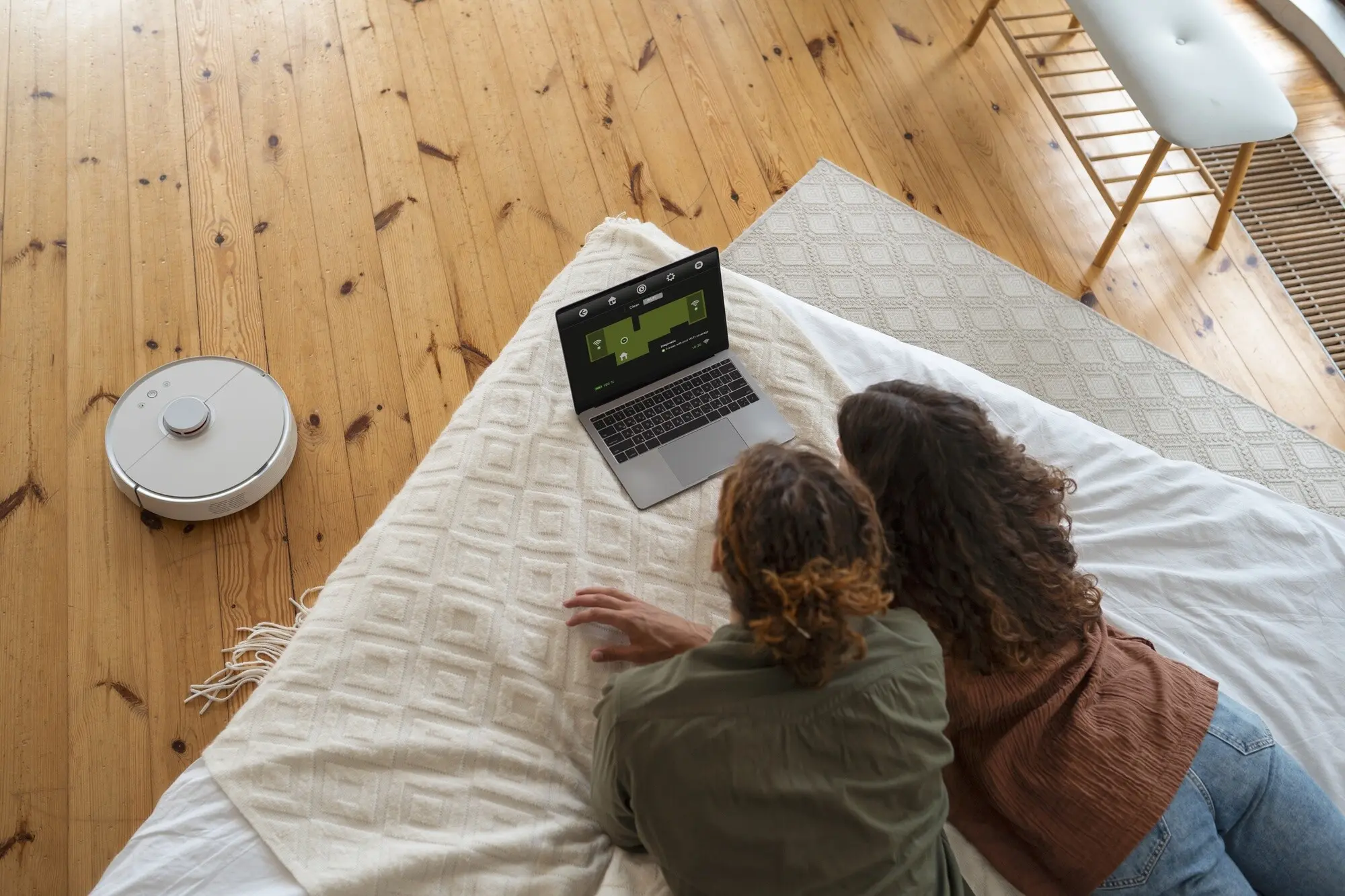
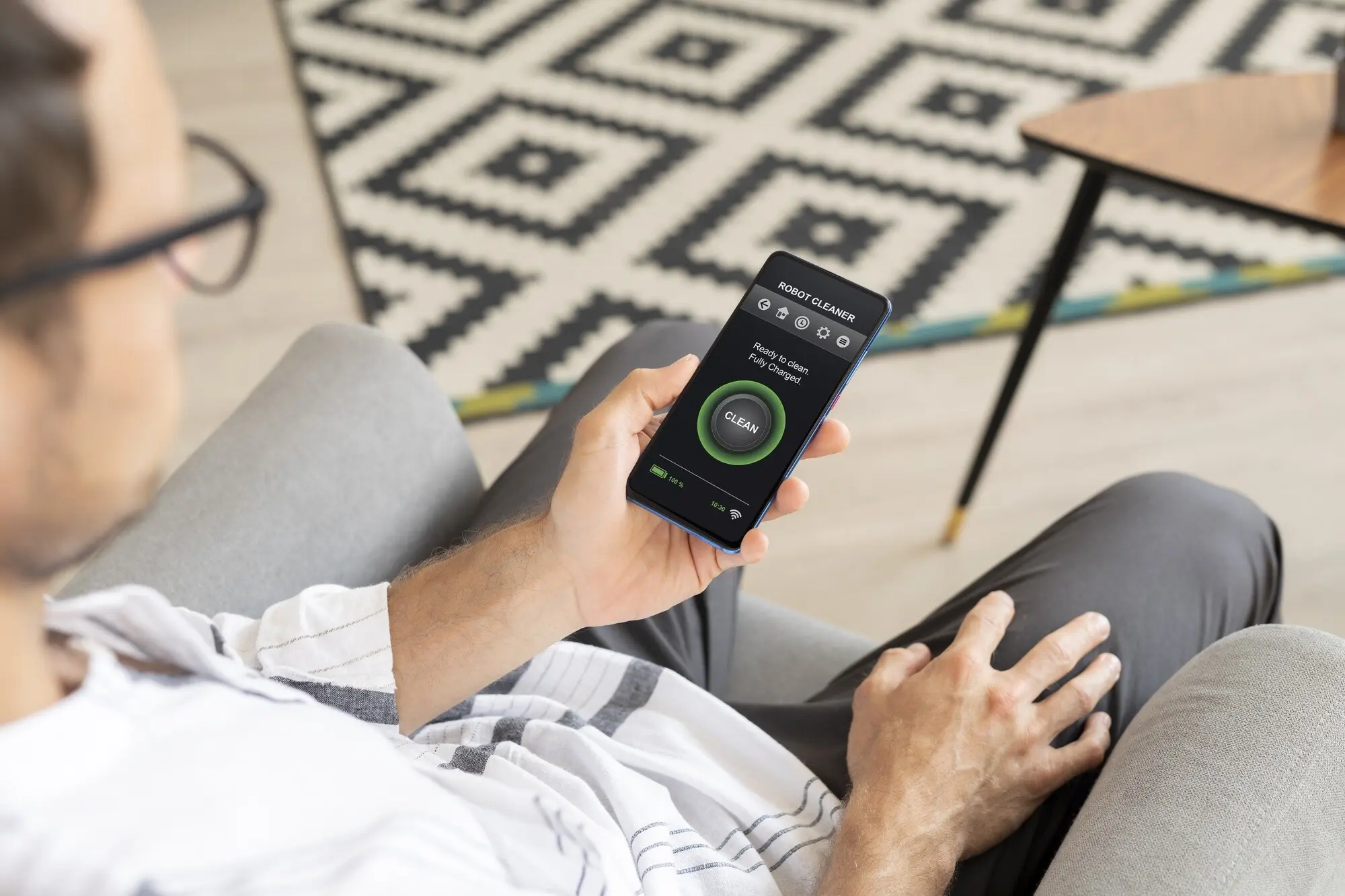
Welcome! Today we dive into No-Wiring Voice Assistant Setups for First-Time Smart Homes, guiding you from sealed paint to spoken control with zero drilling, zero panels, and zero stress. You’ll learn what to buy first, how to place devices for reliability, and how to create routines that feel like magic. Ask questions in the comments, share your wins, and subscribe for weekly, practical breakthroughs you can implement in one evening.

Choosing Your Assistant and Ecosystem
Your first decision shapes everyday comfort: which assistant will hear you, understand your household, and work with the widest range of wire-free devices you prefer? Consider compatibility, privacy defaults, room-to-room microphones, and long‑term support. Think about phones your family already uses, voice recognition needs, and whether you prefer local processing. Tell us which ecosystem you’re leaning toward, and we’ll suggest a starter bundle you can set up in under an hour tonight.

Power and Placement

Think like sound and signal. Position your speaker where your voice naturally projects, not buried on a shelf. Avoid microwaves and thick masonry between assistants and devices. Use surge protectors with USB if you need flexible charging. Battery doorbells and motion sensors love chest‑height placement near entries. Try commands from doorways to test responsiveness. Ask us about your trickiest room, and we’ll help creatively position gear without marks or mess.

Network Basics That Matter

Most plugs and bulbs prefer 2.4 GHz for range, while speakers can thrive on 5 GHz for speed. Name your SSIDs clearly and avoid special characters that confuse onboarding. Consider a mesh system if corners lose signal. Enable WPA2 or WPA3 security and keep firmware updated. If setup fails, temporarily separate 2.4 and 5 GHz to complete pairing. Drop a comment with your router model, and we’ll share compatible, renter‑friendly tips.

Account Creation Made Simple

Create a shared household email alias for device logins, enabling easy management if someone changes phones. Turn on passkeys or two‑factor authentication for protection. Add family members with appropriate permissions and voice profiles for personalized results. Use password managers to store recovery codes. Document device names consistently by room. If you already have separate accounts everywhere, reply below, and we’ll outline a safe consolidation plan that preserves purchases while preventing future lockouts.
Starter Devices That Make the Biggest Difference

New to smart living? Choose pieces that unlock daily delight fast. A compact speaker hears you from across the kitchen. Two smart plugs tame lamps and the coffee maker without a screwdriver. A warm‑white bulb sets an evening mood faster than changing fixtures. Battery doorbells and contact sensors multiply convenience with peel‑and‑stick installs. Tell us your top annoyance—bright mornings, dark hallways, or forgotten appliances—and we’ll match a no‑wiring solution you’ll use daily.

Voice Routines That Actually Save Time

Routines convert scattered taps into graceful, hands‑free flows. Craft a morning that brightens lights, reads weather, and starts calming music while coffee wakes. Trigger arrivals with geofencing to switch lamps and greet pets with radio. Even bedtime can hush notifications, dim bulbs, and play white noise. Share your daily sticking point, and we’ll draft a routine you can paste into your app tonight, fully wire‑free and renter‑approved.

Troubleshooting the Wire‑Free Way

Even great setups hiccup. When a device vanishes, address power, Wi‑Fi band, and app version first. Reboot the router, then the assistant, then the accessory. Update firmware before factory resets. Rename confusing duplicates and regroup rooms logically. Keep a tiny toolkit: spare batteries, outlet tester, sticky labels. Comment with your most stubborn issue, and we’ll respond with a gentle, stepwise fix that preserves your weekend and avoids holes in walls.

When Devices Go Offline

Start with the simplest checks: confirm the outlet works and the plug’s LED pattern. Ensure the device is on the 2.4 GHz network, if required. Move it closer to the router temporarily. Forget and re‑add using clear names. If mesh steering confuses onboarding, pause band steering briefly. Keep screenshots for support. Share your device model, distance from the router, and error message, and we’ll map a calm, noninvasive recovery path.

Voice Not Understanding You

Reduce echo by moving the speaker away from corners and shiny surfaces. Use unique device names—“Sofa Lamp,” not “Lamp Two.” Enable voice profiles for personalized results. Train wake word sensitivity if available. Avoid loud televisions near microphones. Consider a second, inexpensive satellite speaker to catch requests from the hallway. Post a clip of a misunderstood command and your room dimensions, and we’ll suggest precise naming or placement changes that stick.

Protect Accounts and Hardware

Lock your foundation first. Use strong, unique passwords stored in a manager, enable passkeys where supported, and verify recovery emails. Physically place speakers away from open windows to prevent outside voice triggers. Mute microphones during private calls. If your router supports it, isolate smart devices on a separate network. Unsure where to start? List your assistant brand and router model, and we’ll reply with a simple, prioritized, ten‑minute checklist.

Prevent Automation Mishaps

Design for graceful failure. Add auto‑off to plugs, avoid stacking routines that might loop, and test conditions at midday when mistakes are harmless. Use sunrise and sunset offsets rather than fixed times during seasonal shifts. Label experimental routines clearly. Keep a manual fallback phrase to stop everything. Tell us the one routine you trust the most, and we’ll examine edge cases together to ensure convenience never overruns comfort or safety.

Respectful Voice Experiences

Homes feel kinder when automations consider people. Set quiet hours, lower night volumes, and avoid sudden lighting changes. Announce timers and arrivals in shared spaces only. Delete old recordings automatically and audit access for former roommates. When guests visit, explain simple commands and privacy options. Share your household rhythms—sleeping, studying, caregiving—and we’ll propose voice responses, notification rules, and light transitions that feel considerate, predictable, and wonderfully calm.

Security, Safety, and Responsible Automation

Peace of mind starts with small habits. Turn on two‑factor authentication, review third‑party skill permissions quarterly, and use a guest Wi‑Fi for visitors and gadgets you’re testing. Set auto‑off timers for heat‑producing appliances and require confirmations for anything risky. Schedule firmware updates during quiet hours. Record a monthly “safety check” routine. Share your comfort level and device list, and we’ll craft a practical, wire‑free safety blueprint tuned to renters and homeowners alike.
Tarisiranilolumazoriloro
Privacy Overview

This website uses cookies so that we can provide you with the best user experience possible. Cookie information is stored in your browser and performs functions such as recognising you when you return to our website and helping our team to understand which sections of the website you find most interesting and useful.